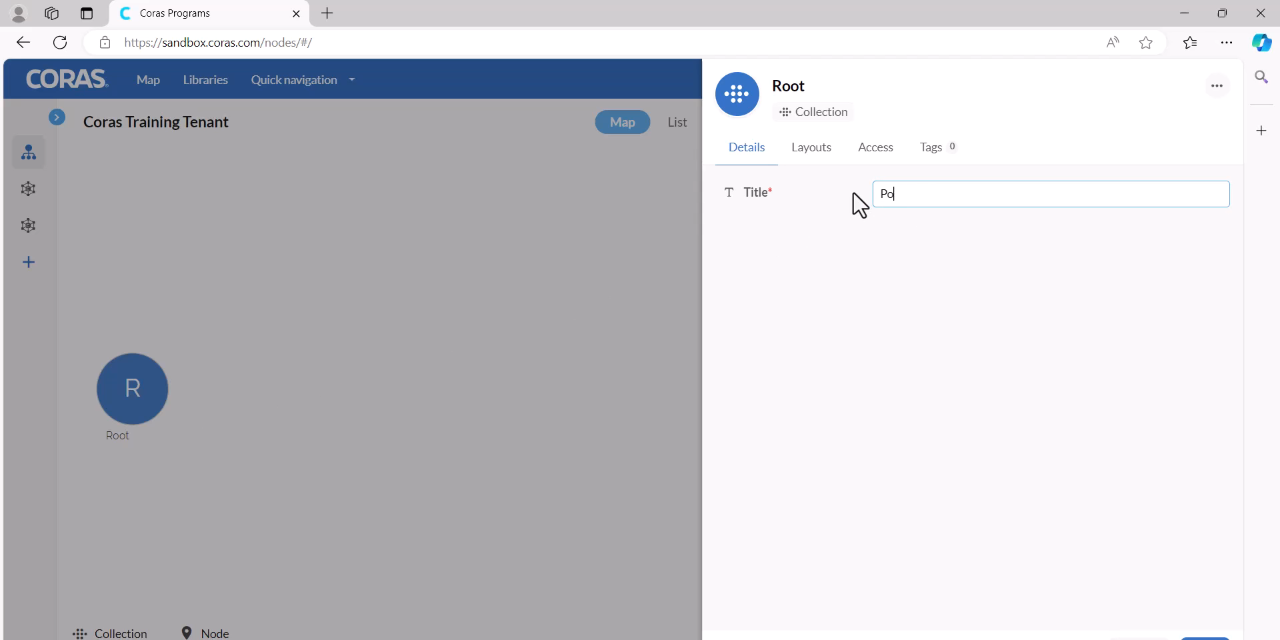
The Root
The root is the top-level container in your CORAS map — the starting point of your entire data ontology. Everything in CORAS lives under the root: nodes, collections, workspaces, and the data within them. Think of it as the trunk of a tree from which all your organizational structure branches out. As you build your map, the root becomes the foundation of a living mission model that grows and adapts as your systems, documents, and metrics come online.
When to Use This
Initial setup — Rename the root to reflect your organization, program, or mission area when first configuring your CORAS tenant.
Restructuring — Update the root name when your organizational scope changes or when repurposing a tenant for a different mission.
Renaming the Root
The root serves as the top-level container in your CORAS map. You can rename it to better reflect your project or organization.
Hover over the root in your map.
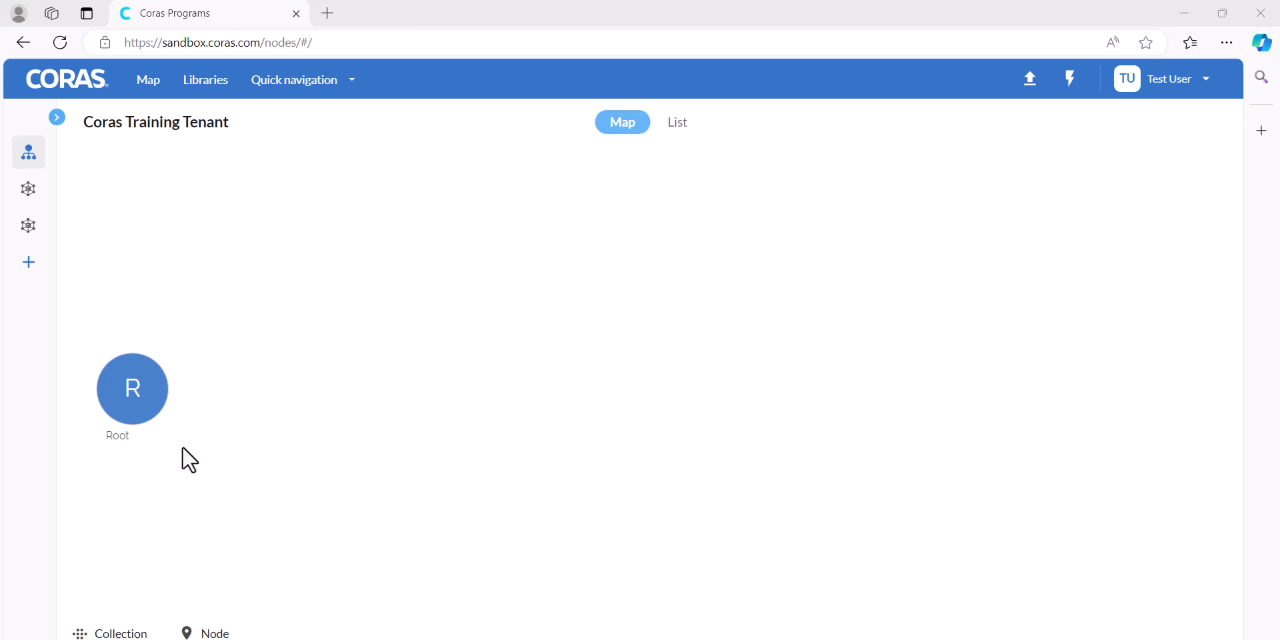
Slide down to the Edit pencil icon and click it on the right-hand side.
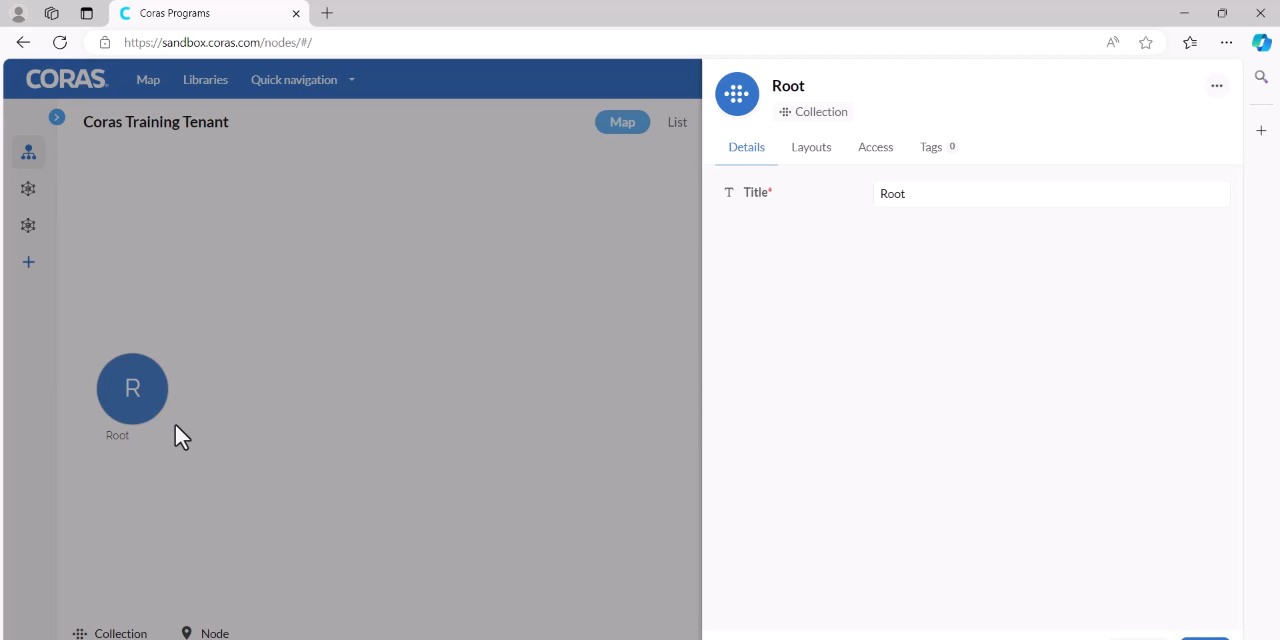
Enter a new title for your root.
Click Save.