
Creating a Node
Nodes are the primary organizational building blocks in CORAS's unified data ontology. Each node represents a distinct area of your mission â a program, a portfolio, a team, or any logical grouping that helps structure your data. As you add nodes under the root, you're building a living model of your organization that CORAS uses to scope access, drive workflows, and power analytics. Gary and other AI features operate within this structure, so a well-organized node hierarchy directly improves the quality of AI-driven insights and automation.
When to Use This
Structuring a new tenant — Create nodes for each major program, portfolio, or organizational unit.
Expanding scope — Add nodes as new programs or mission areas come online.
Scoping access — Nodes are the foundation for user group permissions. Each node can have different access levels for different teams.
Creating a Node
Nodes are the primary building blocks in your CORAS map. You can add multiple nodes under the root to organize your data.
Add Your First Node
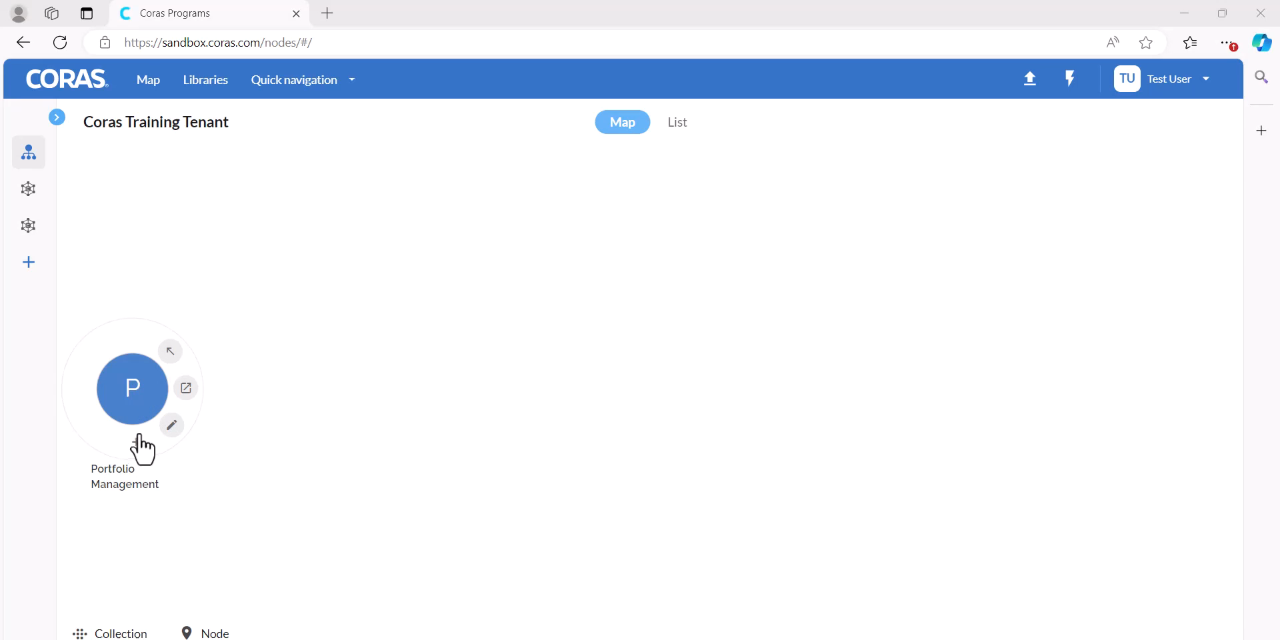
Hover over the root and select the + (plus sign) to add new.
Enter a title for your node.
Ensure the Type is set to Node and the Layout is set to Default.
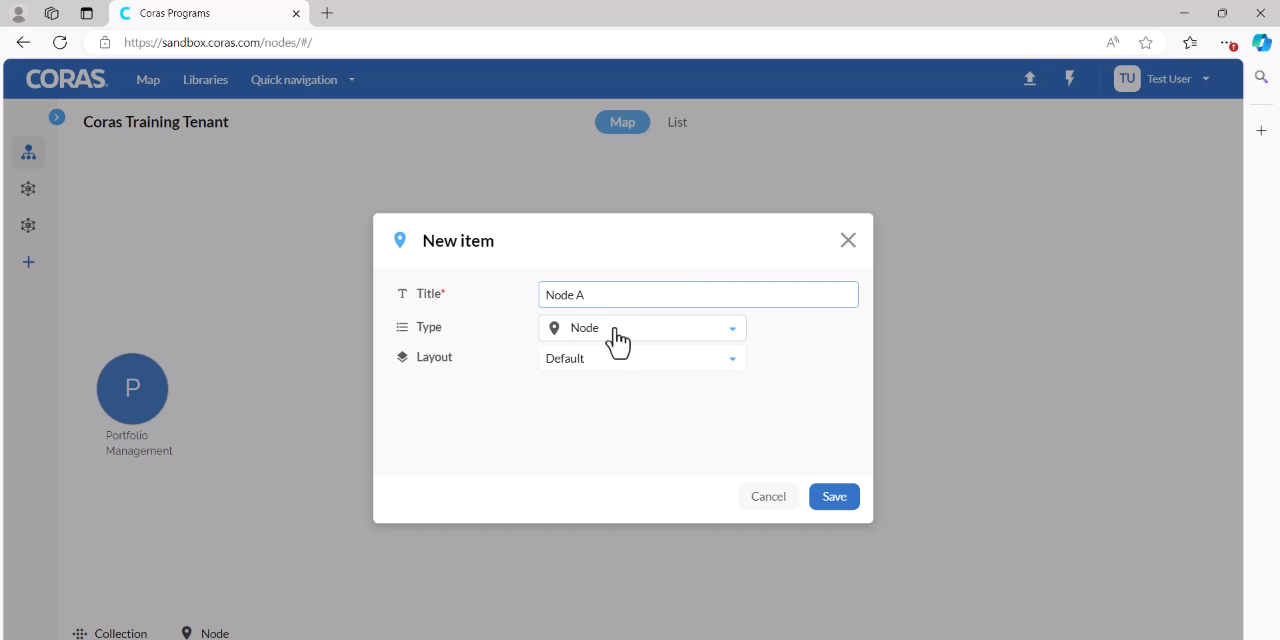
Click Save.
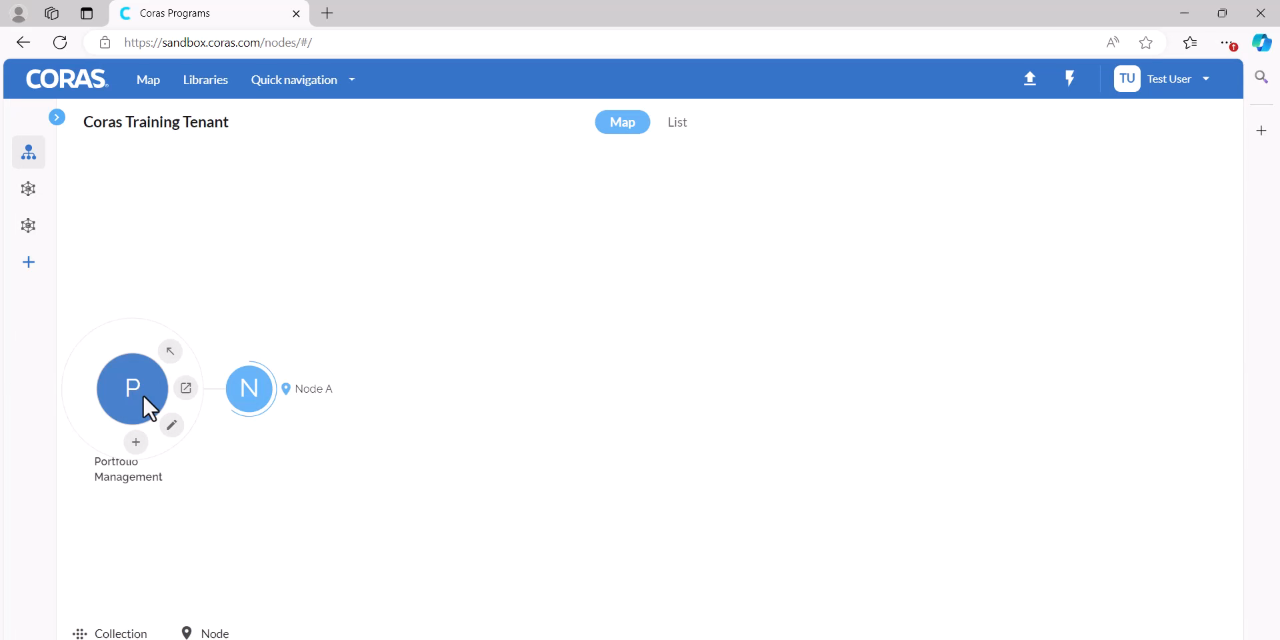
Add Additional Nodes
Hover over the root and select the + (plus sign) to add new.
Enter a title for the new node.
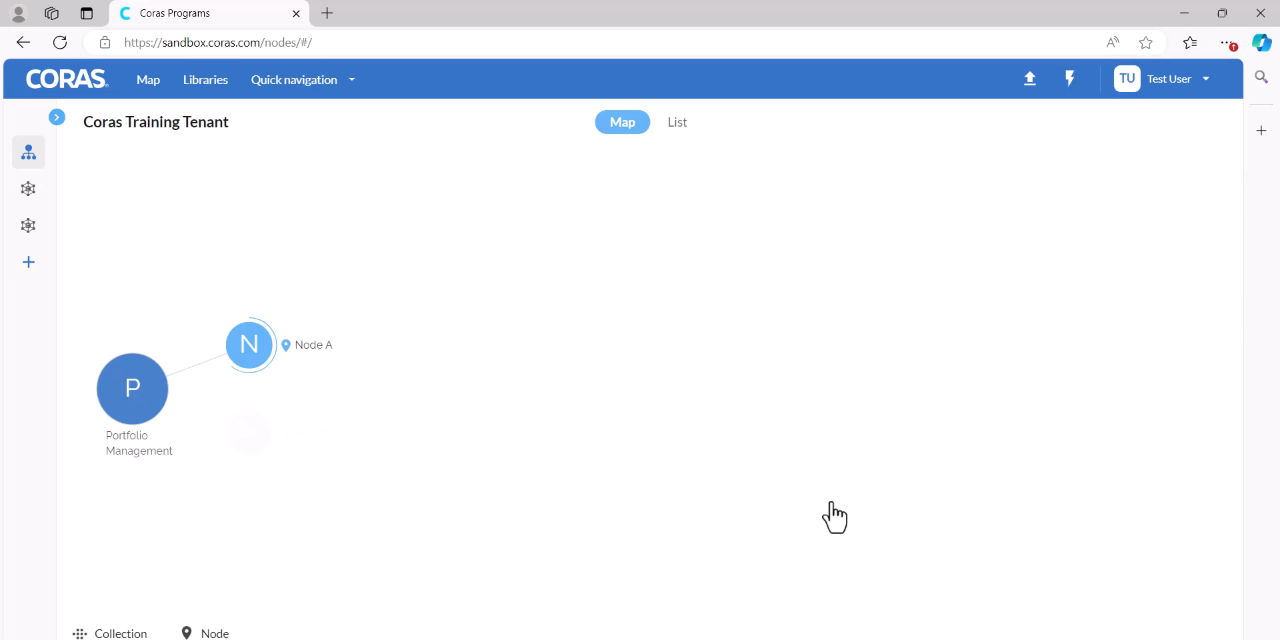
Click Save.