
Cloud Store - Browse, Add, and Manage
Why This Matters
Instead of configuring every agent and prompt independently, the Cloud Store gives your tenant access to a curated, tested catalog of items. Tenant Admins control what's available and can track usage. End users can browse and, where enabled, build a personal library of their most-used items.
Browse the Cloud Store
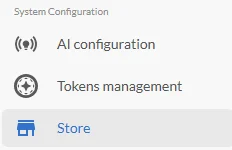
Open the Cloud Store from your CORAS navigation in your AI Settings.
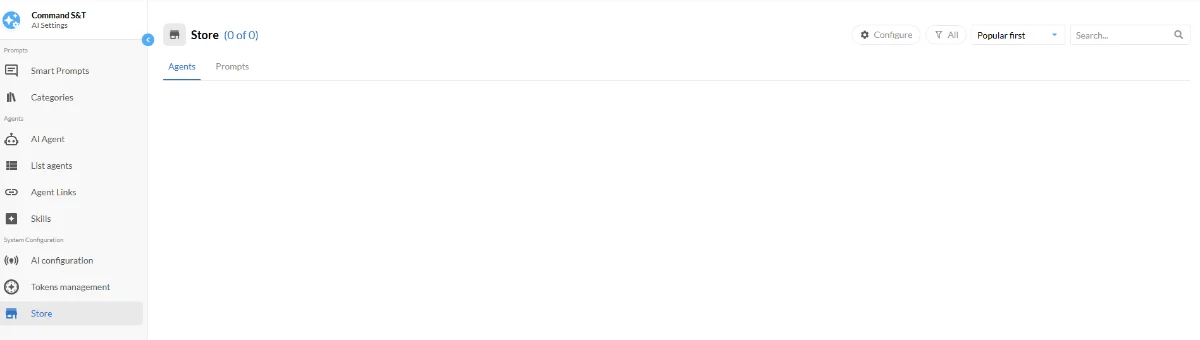
Browse available agents and prompts. Each item shows:
Likes - how many users have liked the item
Adds - how many times it's been added to a tenant
Uses - how often it's been used in conversations
Like an item
Click the like icon on any item to mark it. Likes are visible to everyone and help surface high-quality items. You can remove a like at any time.
Add an Item to Your Tenant
Any user can browse the Cloud Store. Adding items to your tenant requires the appropriate permissions — check with your Tenant Admin if the Add option is not available to you.
Locate the item you want to add.
Click Add to Tenant.
The item is now available in your tenant's agent and prompt library immediately.
Once added, the item appears in AI Settings and is available for use in GARY conversations across your tenant.